

QR at the lot
Scan the site QR, open the form, and register without hunting for a lot number.
LOADING
V-Parking
Register a licence plate in minutes — for guests, tenants, and managed communities.
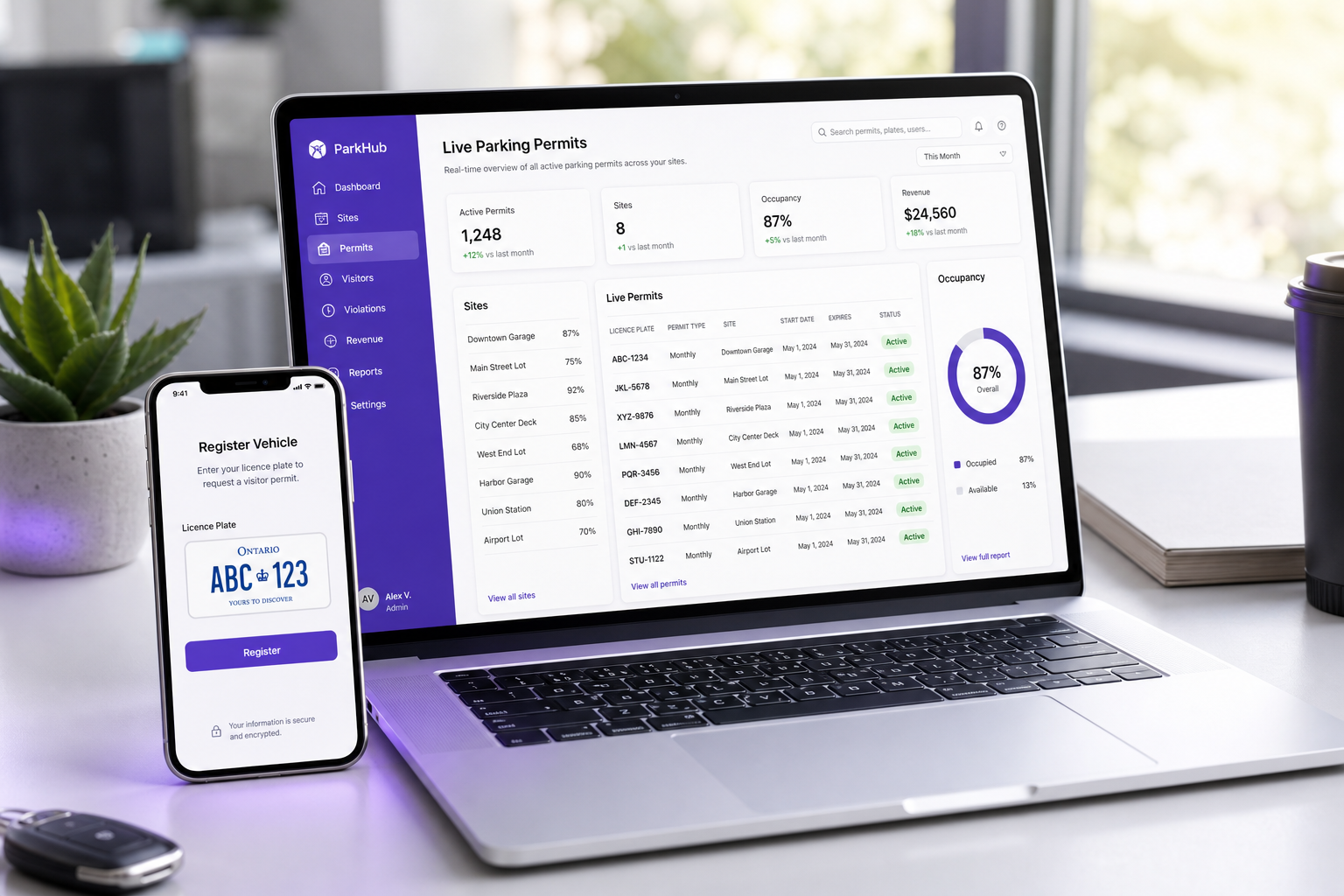
V-Parking gives property teams a reliable portal for guest and tenant vehicle registration — without the paperwork chase.
Residents and visitors register online. Managers track permits. Support stays available when the lot is busy.
Built for condos, apartments, and managed sites that need clear rules, secure codes, and real-time visibility.
New for communities: tenant access so households can manage their visitors with the limits you set.

Pick the channel that fits the moment — every registration lands in one system.
Scan the site QR, open the form, and register without hunting for a lot number.

Search by lot or address and submit visitor details from any phone or desktop.

Prefer talking to a person? Call support and register with guided help.

Message support when you are on the go — same registration outcome, less friction.
Follow this short path — visitors finish without training, and managers can trust the record.
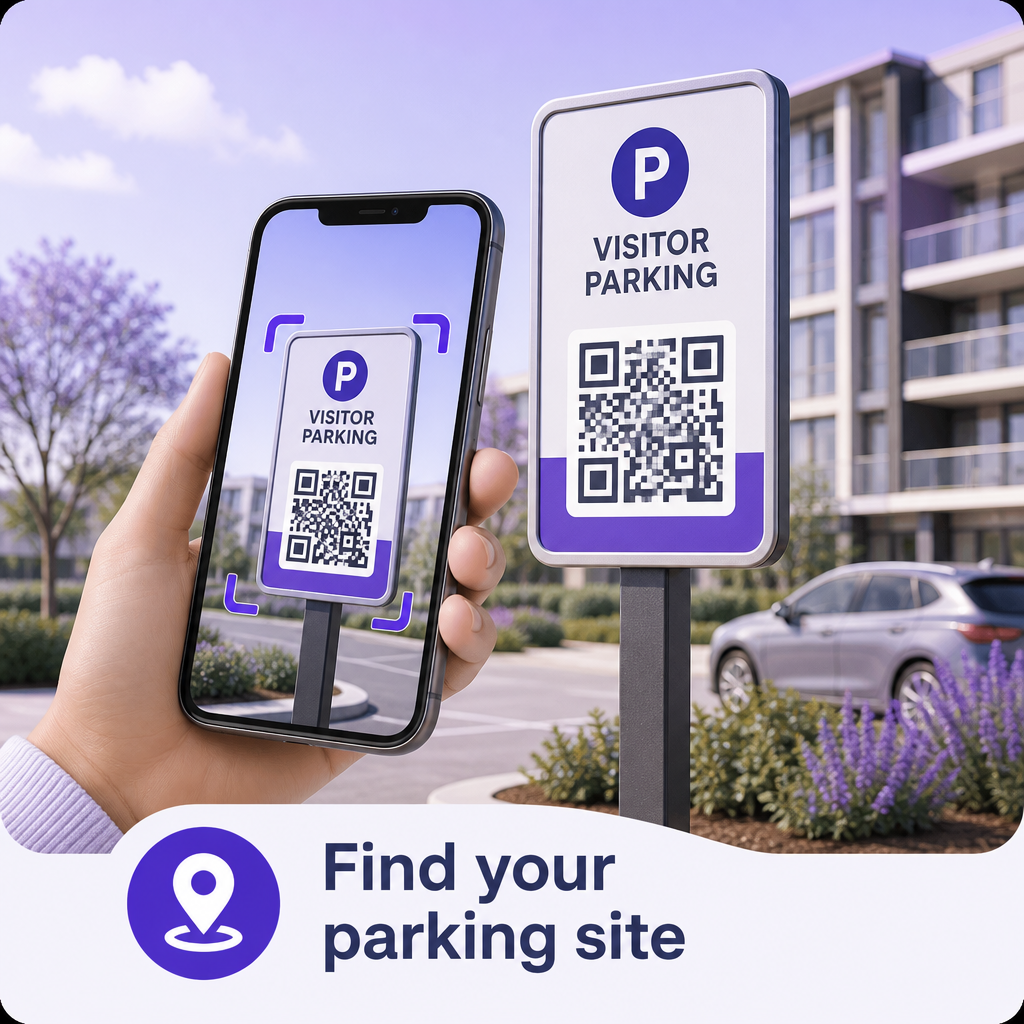
Scan the lot QR, enter the lot number, or search by building name / street address.
Lot · Address · QR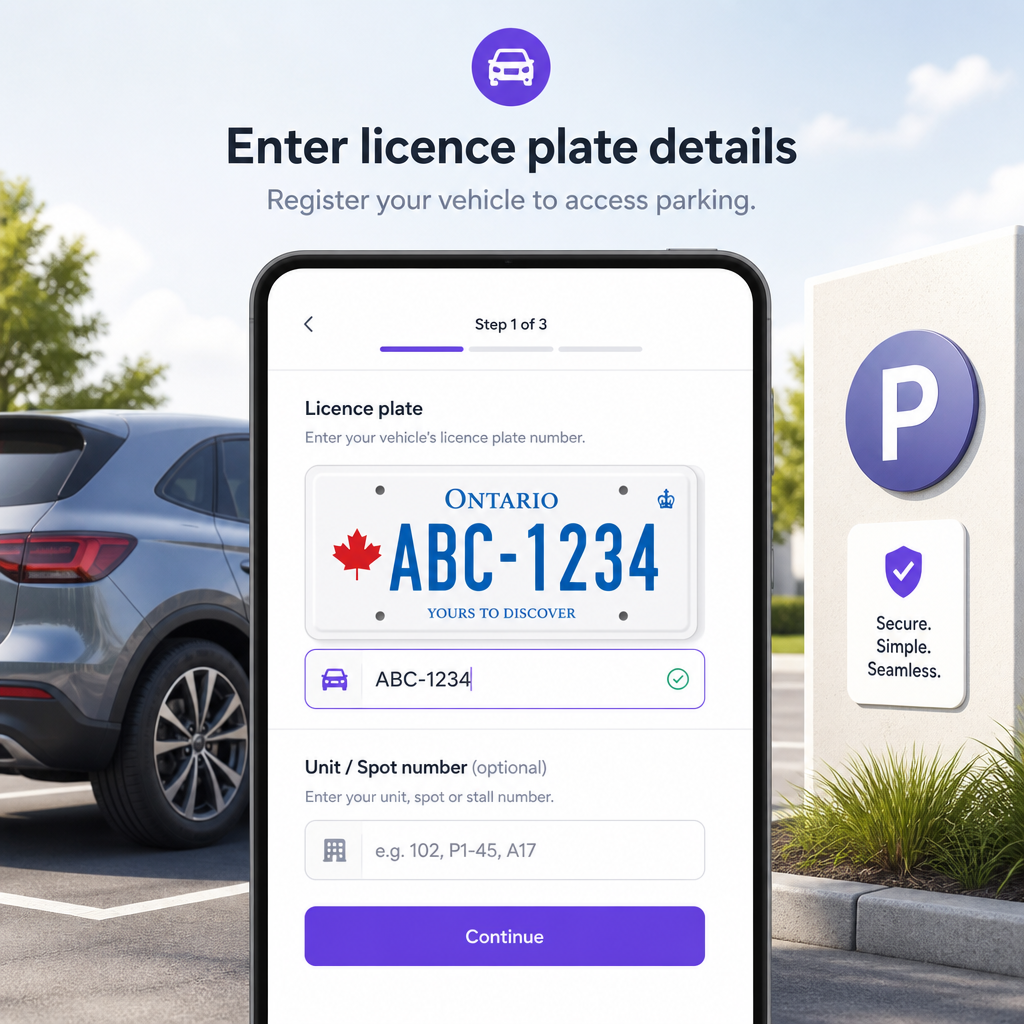
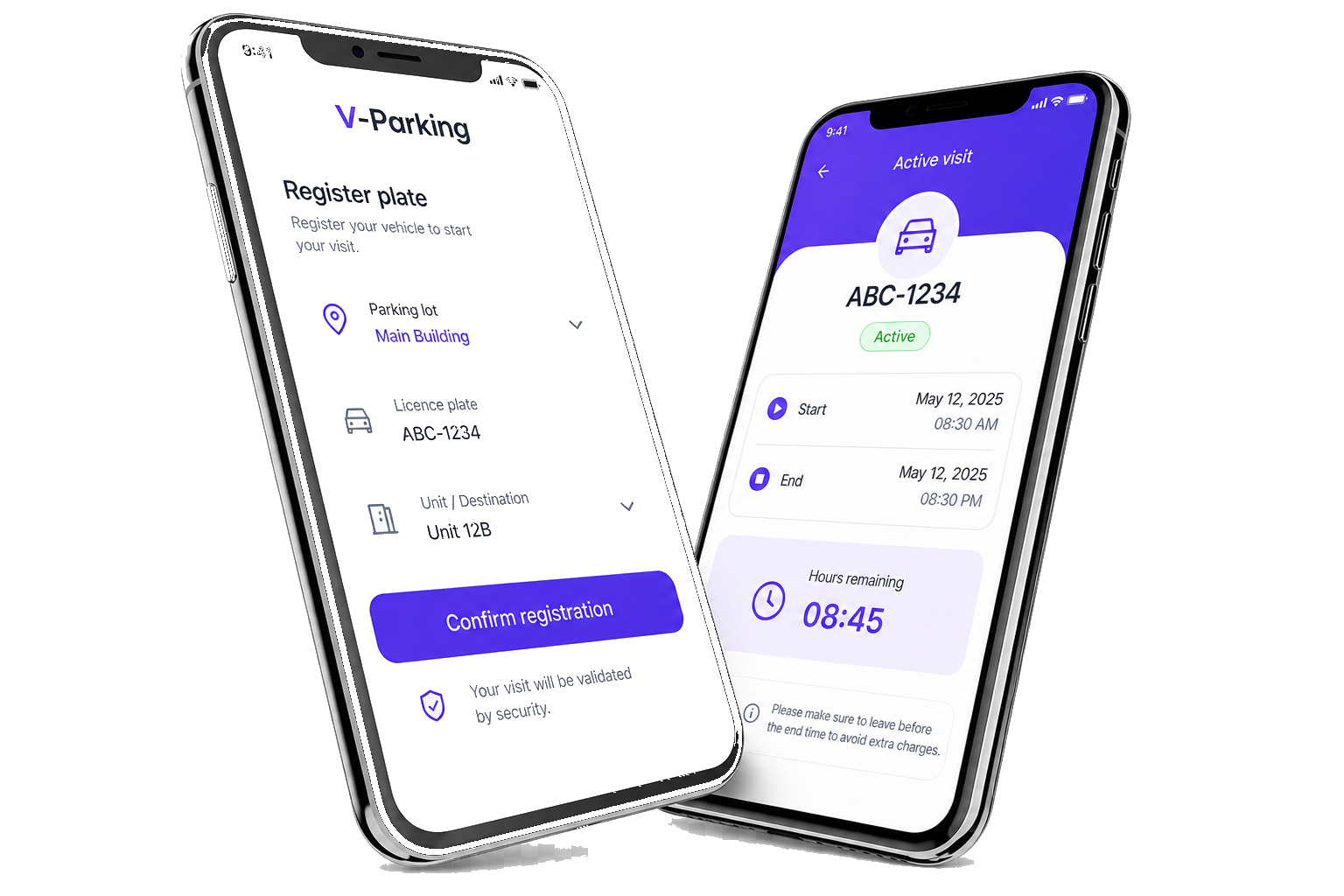
Add licence plate, unit, and how you want to be notified. Enter the site security code if required.
Plate · Unit · Code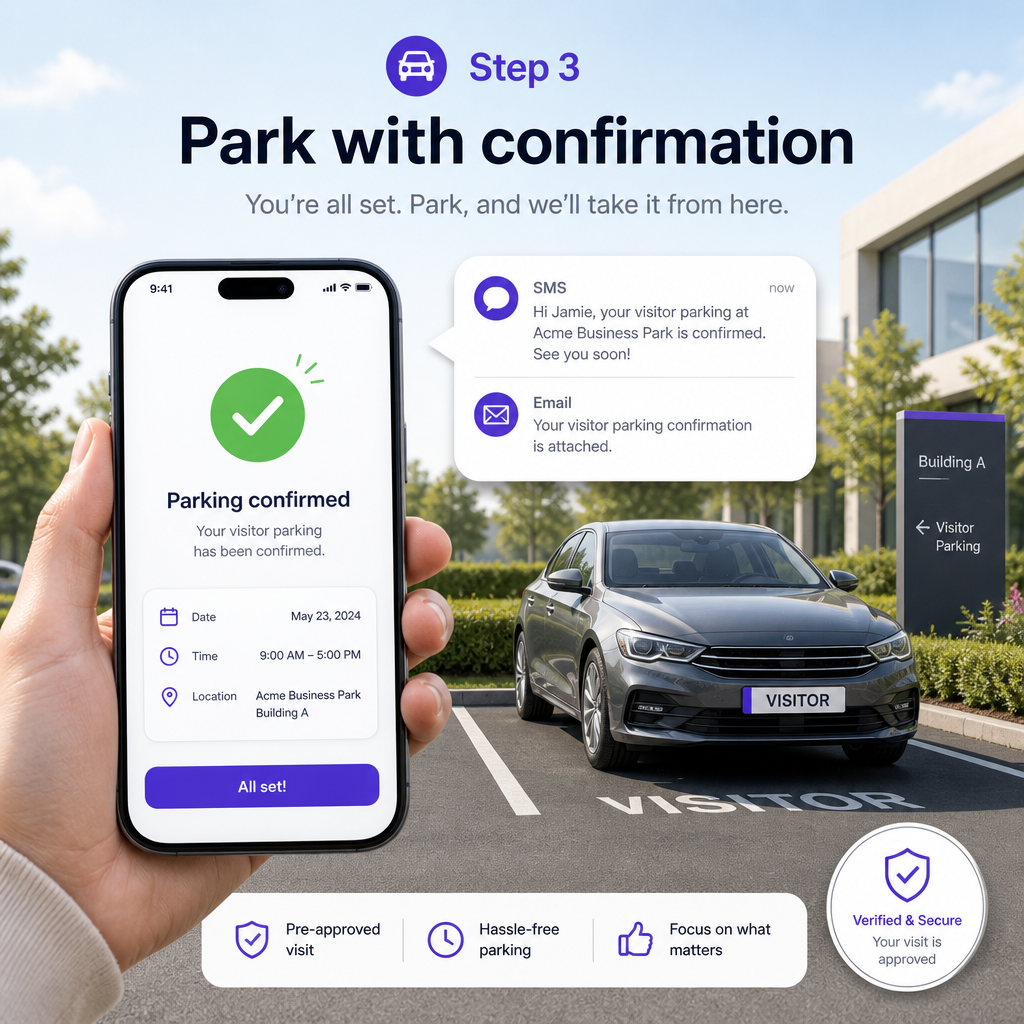
Get SMS or email confirmation. Patrollers and managers see the live permit instantly.
Confirmed & visibleReady? Start on the website — it takes about a minute.
With tenant vehicles and stall control, each community chooses how visitors get registered. Ask us which fit is right — we will map it for your site.
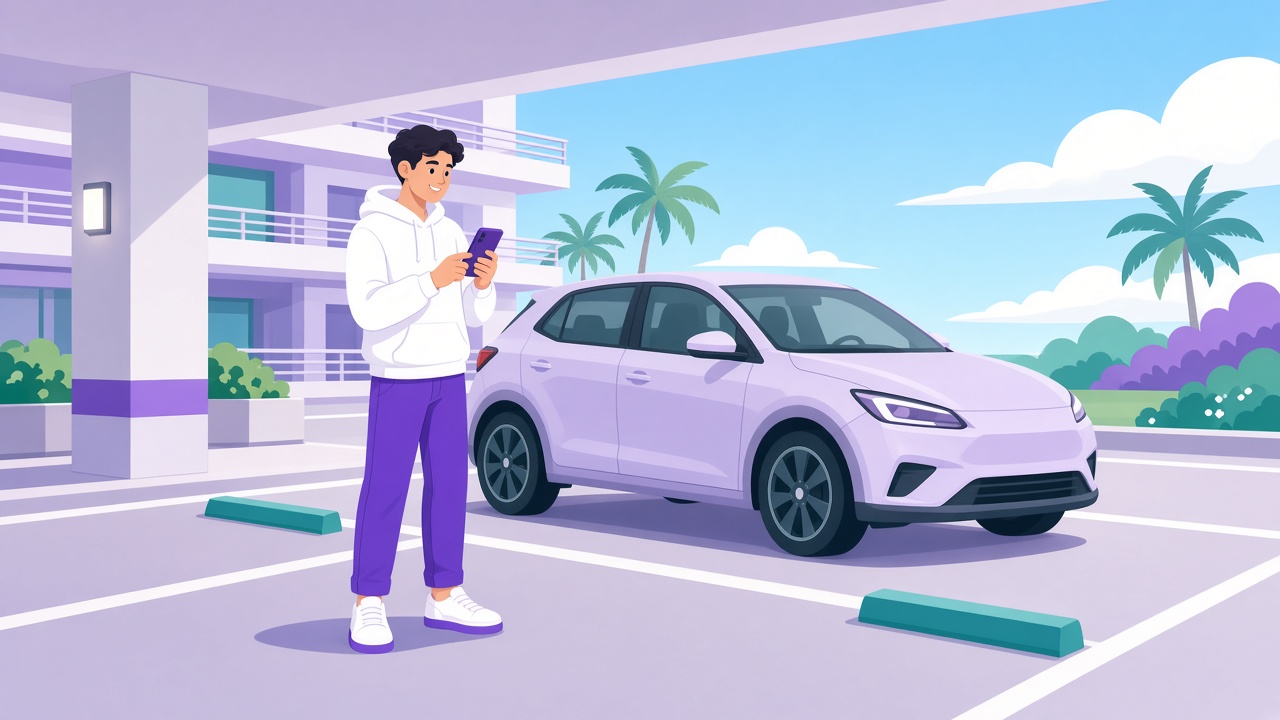
Guests still register themselves through QR or the website. The property keeps tenant plates and stall numbers in V-Parking.
Example: Tenant ABC123 → Unit 101 → Stall #5. Visitor DEF456 still registers by QR/web for Unit 101.

Public visitor registration can be turned off. Residents log in and register plates for their own guests.
Example: John (Unit 101) logs in and registers friend DEF456 as his visitor — no public QR needed.
Not sure which setup fits your community? We will walk you through it.
Contact usBuilt for guests, residents, and property teams — register quickly, keep lots clear, and choose the setup that fits your building.
Visitors register by scanning the lot QR or searching the site on the website — fast on any phone.
Keep each unit’s licence plates and assigned parking stalls on file so the property knows who belongs where.
Once a plate is listed as a tenant vehicle, it cannot be registered again as a visitor — keeping guest stalls for guests.
Let guests self-register, or let approved tenants register their own visitors — your community chooses.
When guests need it, registration can also happen by text or phone — useful after hours and on the go.
Buildings can require a security code so only people at the right site can complete registration.
Want this for your building? We will help you pick the right setup.
Contact usVisitors finish in minutes on mobile. Residents and properties get clearer control over who parks where.

Quick answers for visitors and property teams. Need something else? Use Feedback or Contact.
V-Parking is a visitor parking registration platform for multi-residential communities across Canada. Guests register a licence plate for a permitted window; property teams see active visits, enforce limits, and manage lots from one place.
Use Register plate on this site. Search by parking lot number or building address, enter your plate and visit details, then submit. Many buildings also offer QR codes on-site that open the same flow.
Each parking site sets its own rules (hours limit, weekly/monthly caps, and optional unit or plate limits). After you submit, you receive confirmation with your permitted window. Always follow the building’s posted signage.
Ask your property manager or condo board for a tenant login. After your account is set up and approved, you can manage visitor parking for your unit from the tenant dashboard.
When tenant vehicle management is enabled, plates listed as tenant vehicles are blocked from visitor registration. That keeps visitor stalls for guests — not for residents’ own cars.
It depends on how the property is set up. Some buildings keep visitor self-registration (QR/web). Others use tenant-controlled registration so only residents create visitor permits. See Registration setups or Contact us to choose.
Closed or unavailable sites cannot accept new registrations. Double-check the lot number, try address search, or contact the building/management. You can also reach us via Feedback or the contact form below.
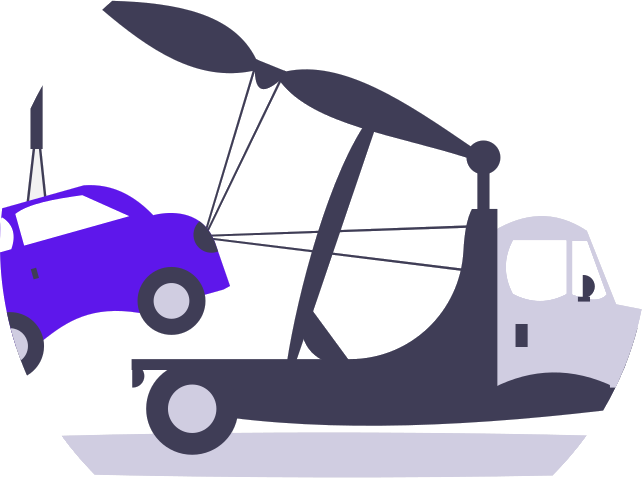
Property teams and authorized patrollers can enforce building rules (warnings and towing workflows). V-Parking provides the tools and records — enforcement decisions follow each property’s policies and applicable bylaws.
Not yet on the public site — we keep plate and visit data private for security. Keep your confirmation message (email/SMS) for start and end times. A guided helper / chatbot may come later with strict verification; it will never expose other people’s vehicles.
Share your sites and how you want visitors registered — we will map the right setup. No public price list; start with a conversation.